

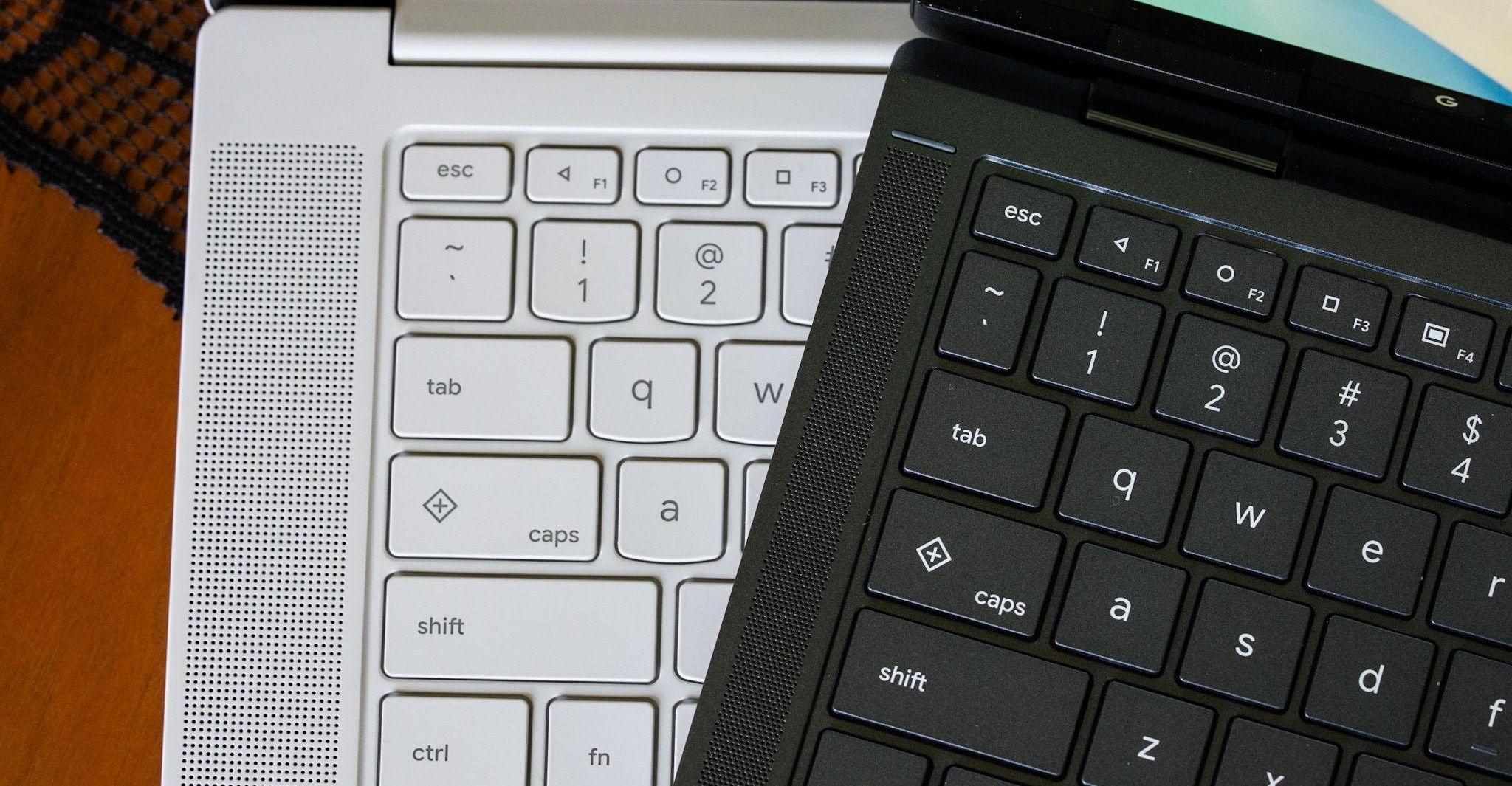
Googlebooks have physical navigation buttons in a familiar Android layout, though the keys are not new. The Quick Insert and Google logo keys also debuted on some Chromebooks a couple of years ago, according to The Verge’s Antonio G. Di Benedetto.
On every Googlebook keyboard, the F1, F2, and F3 keys show the triangle, circle, and square navigation icons that first appeared with Android 5.0 Lollipop. They served as back, home, and app switcher buttons before Android shifted to gesture-based navigation. They remain available as an alternative on phones running Android 17.
On Googlebook OS, the triangle goes back, the circle minimizes all open apps, and the square displays open apps in a grid, similar to Mission Control on macOS or Task View on Windows. The Verge says the back button can be useful with Android apps that are not optimized for desktop interfaces or mouse controls.
A second press of the home button does not restore apps to their previous state. That function is available through desktop peeking, which uses a different keyboard shortcut. Di Benedetto describes the buttons as a fun holdover for longtime Android users, as well as a fallback for times when Android behaves unexpectedly.
Comments
0No comments yet. Be the first to comment.