

ExpressVPN has updated its Android app with three new ways to sign in: an email verification code, a login token, and a passkey. The same options are already available on iOS.
To use an email code, users enter the address linked to their account and receive a verification code in their inbox. A login token can be generated from the setup page of the ExpressVPN+ web portal, then pasted into the app or scanned as a QR code. Unlike the old activation code, which did not expire, each token is newly generated when requested and expires after a short period.
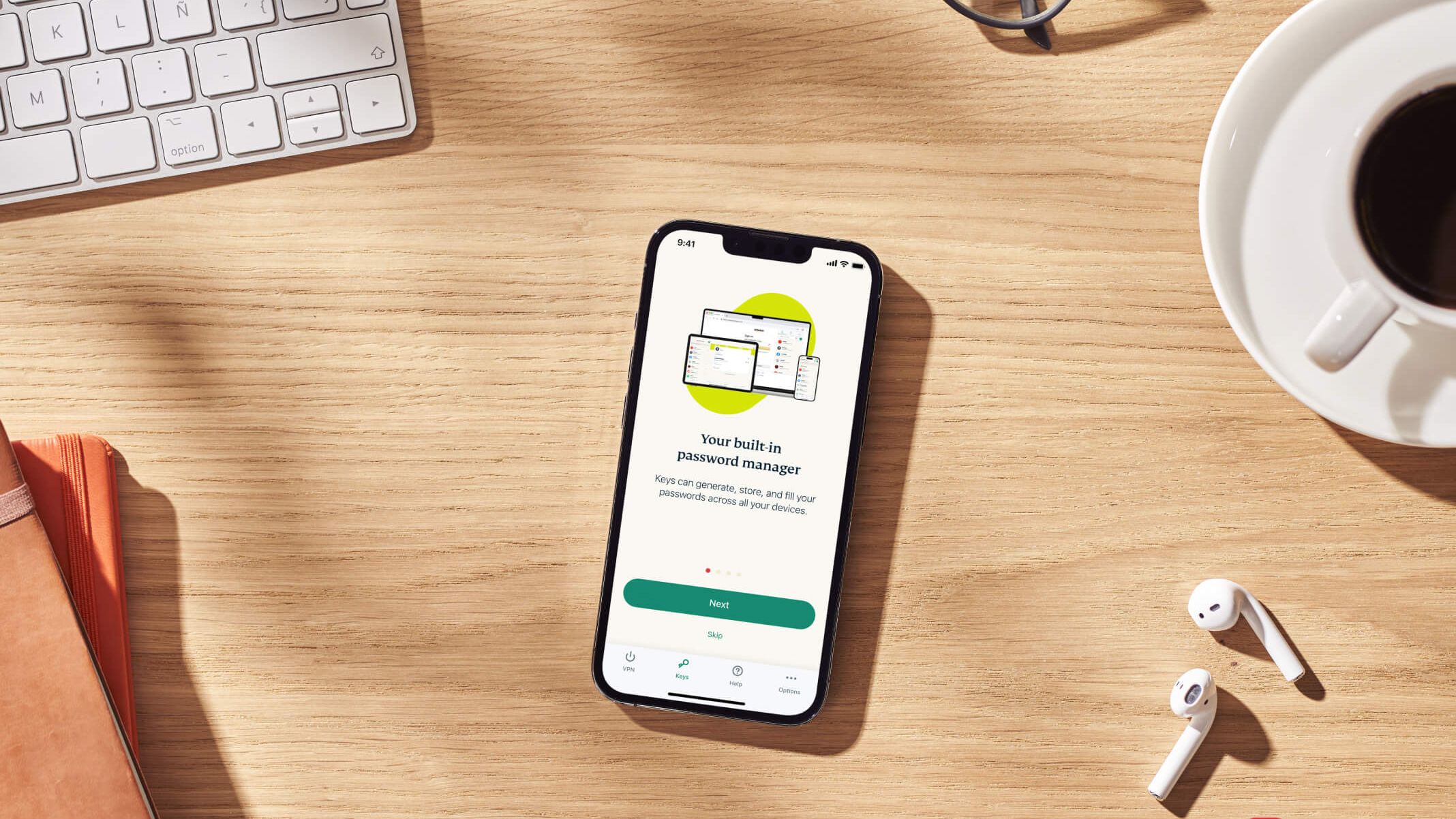
Passkeys are available to users who created one for their Android device. ExpressVPN's passkey system follows the FIDO2/WebAuthn standard. A passkey synced through a manager should work across devices, while one saved on a hardware security key remains on that key. ExpressVPN says its ExpressKeys password manager can make passkeys available on iOS, Android, Mac, and in the browser.
Email and password sign-in remains available under the app's legacy options. An ExpressVPN representative told TechRadar the company is gradually retiring activation codes, which are the first to be replaced by the newer methods. The company says only someone signed in to the portal can generate a login token and advises users not to share it or scan its QR code on a device they do not own.
Comments
0No comments yet. Be the first to comment.