

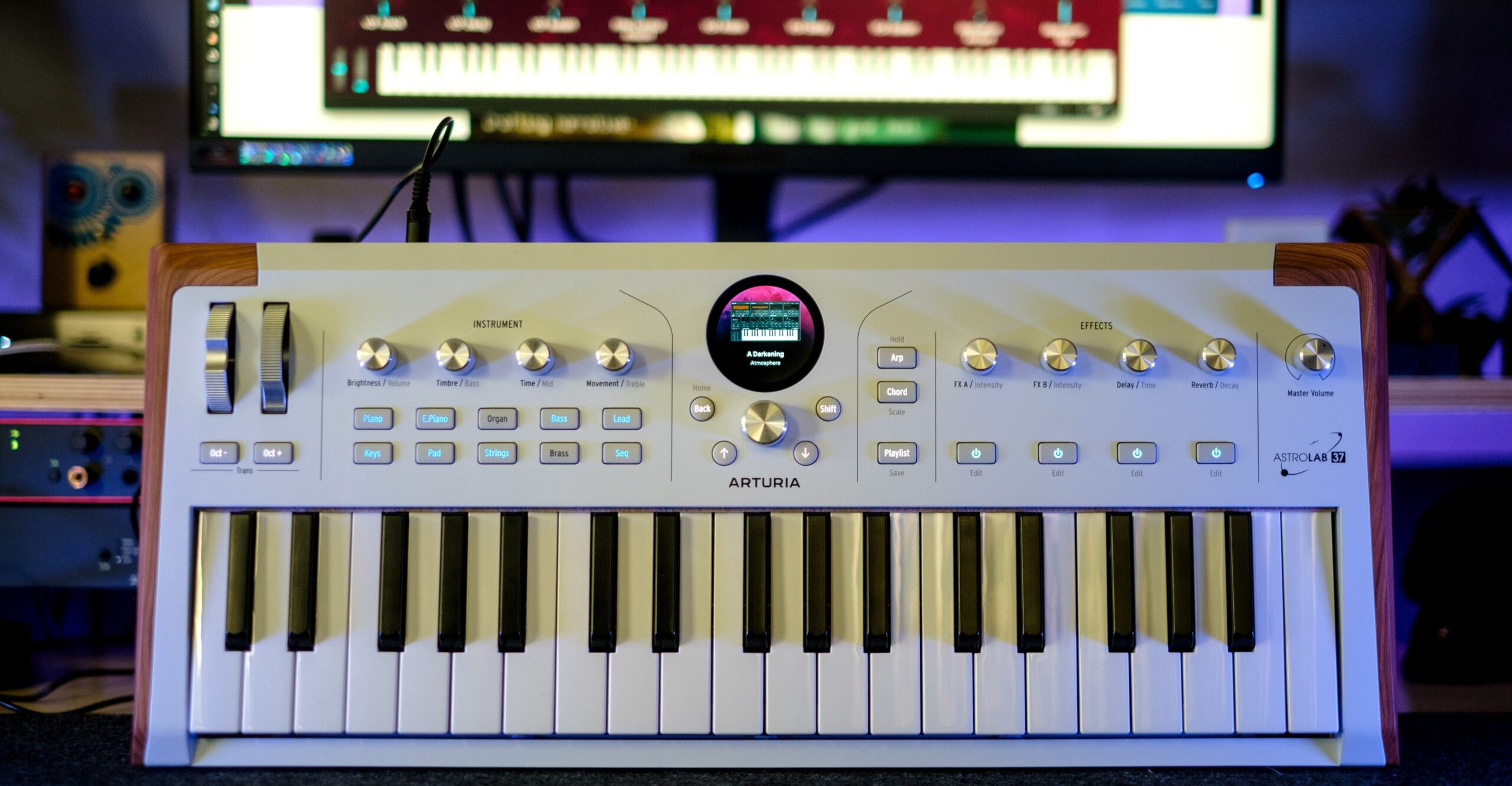
Arturia’s AstroLab keyboards can now offer more sound design options with the AstroLab 2.0 firmware update. Previously, users could make light changes to sounds from the company’s AnalogLab suite using four macro controls or add effects, but they could not edit an instrument’s individual parameters.
The update adds a Sound Edit menu for those parameters. Getting to a blank patch for a chosen instrument is not especially intuitive and requires navigating menus, but creating custom sounds is relatively straightforward once there. One suggested shortcut is to create a category for templates and save initialized patches for each instrument. A user can, for example, upload a basic Moog bass patch template from the AnalogLab desktop app, adjust it, and save a new sound on the keyboard.
Changes still rely on the four macro knobs, with settings shown four at a time. That can take time and makes extensive on-the-fly tweaking impractical, though the controls can get the job done.
AstroLab 2.0 also adds multisampled pianos, strings, and brass sections intended to sound more like acoustic instruments. The update includes 67 new patches. Other changes include octave LEDs that show transposition and a more responsive-feeling aftertouch. Arturia says app connectivity has become more reliable. Desktop connectivity with AnalogLab seems solid, while the AstroLab Connect mobile app remains unreliable, according to The Verge. The free update is available now for all AstroLab keyboards.
Comments
0No comments yet. Be the first to comment.