

Kindle Colorsoft displays color pages in Dark Mode, but the screen may look dimmer overall, according to a TechRadar report by Lance Ulanoff.
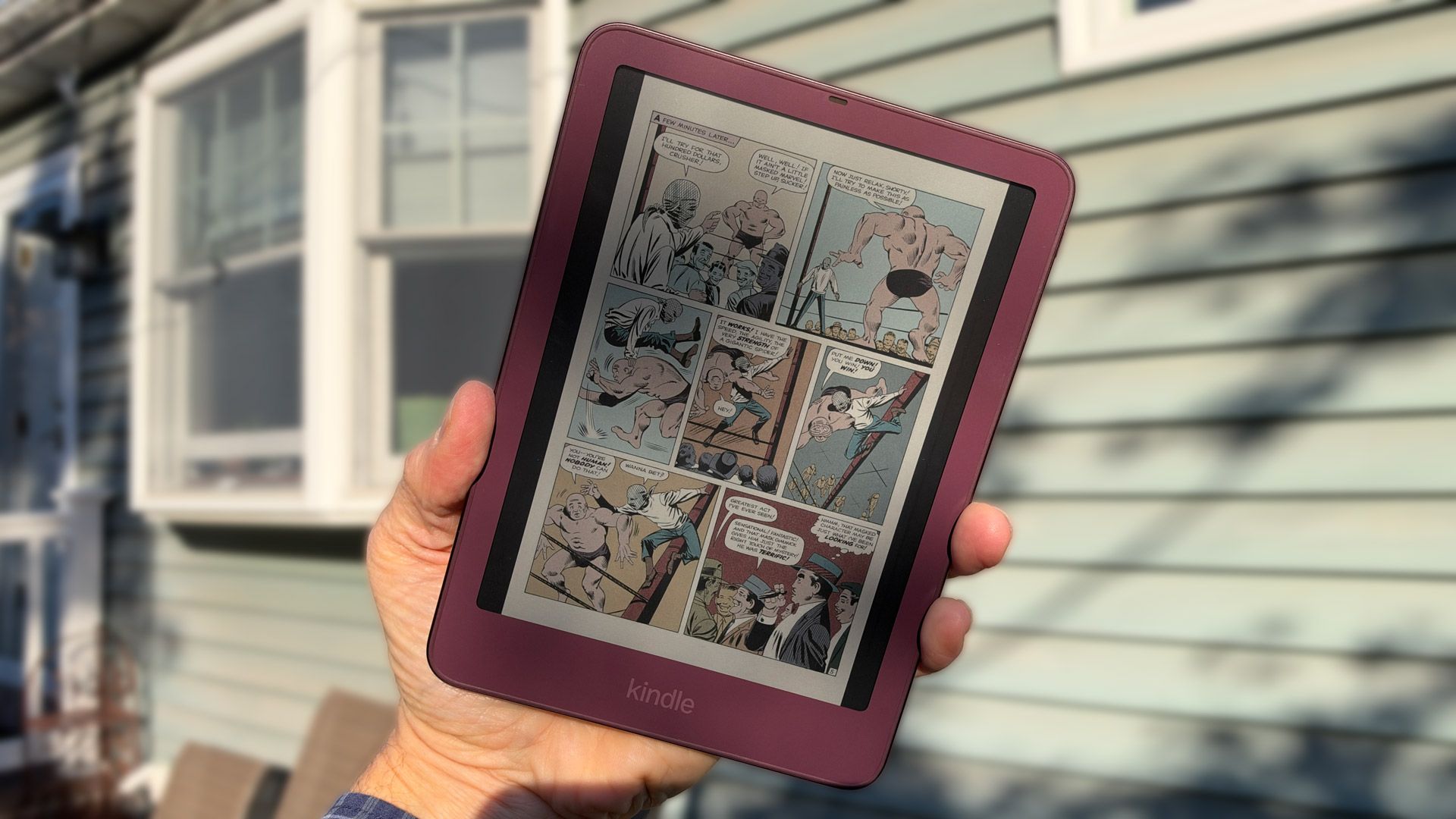
Ulanoff tested Dark Mode on the Kindle Colorsoft Signature Edition. The interface’s white borders turned black, while book, magazine and graphic novel covers kept their colors. Inside a graphic novel, the page backgrounds remained white and the color panels were unchanged. Text in a book appeared white on black pages.
The screen also looked dimmer. Amazon confirmed to TechRadar that the display may appear dimmer in Dark Mode because of the color E-Ink layer. Ulanoff said the setting automatically lowered screen brightness by half. He increased the front-lit LEDs to their maximum brightness to bring back some vibrancy.
The Kindle Colorsoft has a reflective display rather than a traditional LCD backlight. Ulanoff found that a good external light source, including sunlight, made the page look good with or without Dark Mode. The report notes that Dark Mode can reduce screen glare and save some battery life. The test’s takeaway: colors remain visible, though users may need more brightness or light if the display seems too dim.
Comments
0No comments yet. Be the first to comment.