

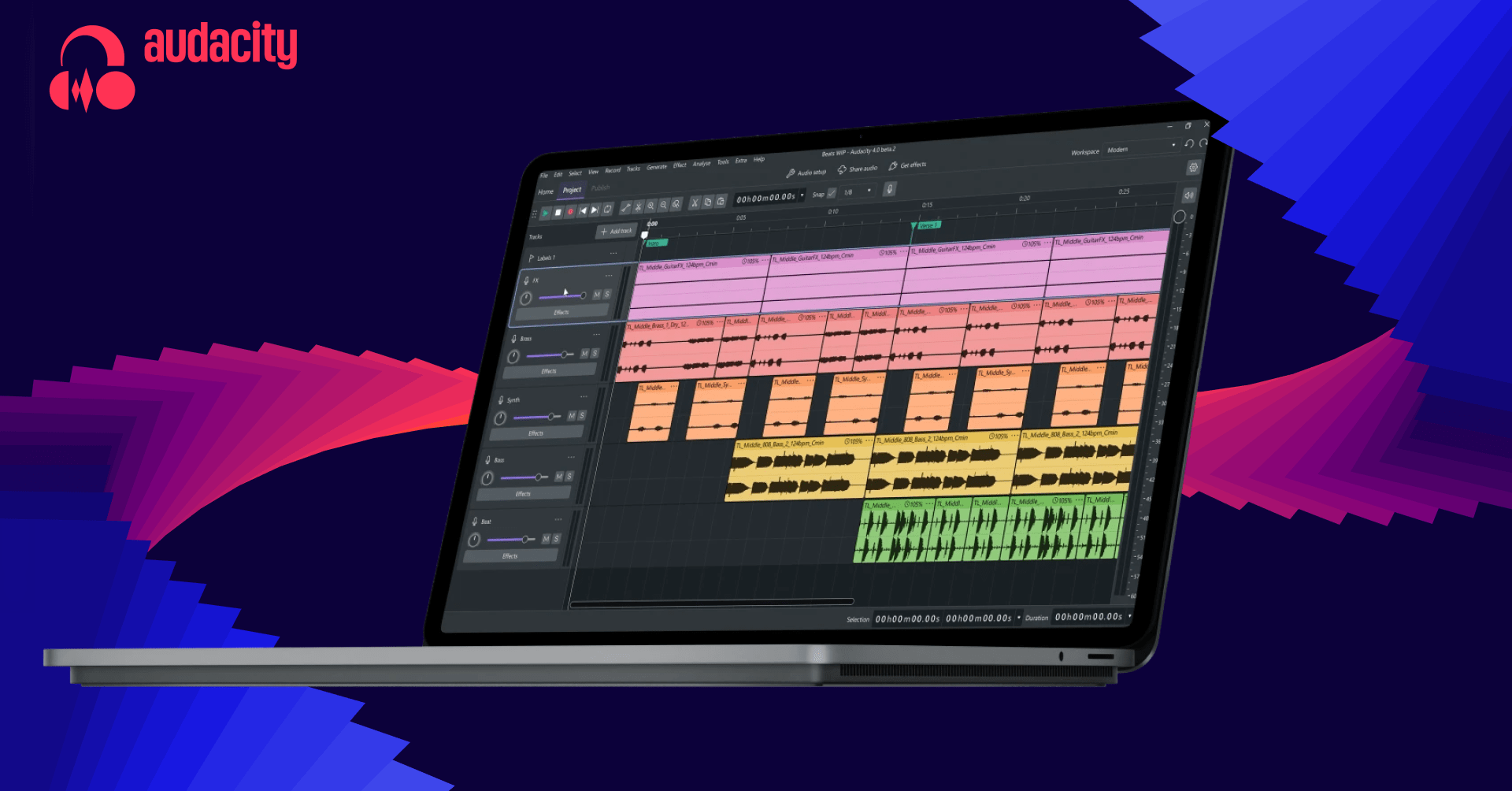
Audacity 4, ücretsiz ses düzenleme ve kayıt uygulamasında büyük bir tasarım yenilemesi sunuyor. Güncelleme, yazılımı tahribatsız bir düzenleme iş akışına taşıyor. Böylece kullanıcılar bir klibi kısaltıp daha sonra klibin kenarını geri sürükleyerek kaldırılan sesi kurtarabiliyor.
Klipler artık zaman çizelgesinde üst üste gelebiliyor. Kullanıcılar, yeterli boşluk olmasa bile ses ekleyip klipleri daha sonra düzenleyebiliyor veya sesi zaman çizelgesinde serbestçe taşıyabiliyor. Audacity ayrıca ses parçalarını daha kolay yeniden düzenlemek için klip bölme özelliği ekliyor. Daha önce bir klibi başka bir klibin ötesine sürüklemek mümkün değildi; bunun yerine sesi kesip yapıştırmak gerekiyordu.
Geliştiriciler klip zarflarını ve yerleşik efektleri yeniledi. Ayrıca yeniden tasarlanan proje düzenine sahip bir ana ekran eklendi. Uygulamanın görünümü Muse’un Muse Score ve Audio.com gibi diğer ürünleriyle daha uyumlu hâle getirildi. Özelleştirilebilir temalar da sunuluyor.
Audacity, 2000 yılında piyasaya çıktığından beri birçok kullanıcının araç setinde yer aldı. Tasarımı ve düzeni, zaman içinde yeni özellikler eklenmesine rağmen büyük ölçüde aynı kaldı. Audacity 4 ile proje, modern bir dijital ses iş istasyonunun veya DAW’ın yapısına daha da yaklaşıyor.
Yorumlar
0Henüz yorum yok. İlk yorumu siz yazın.