

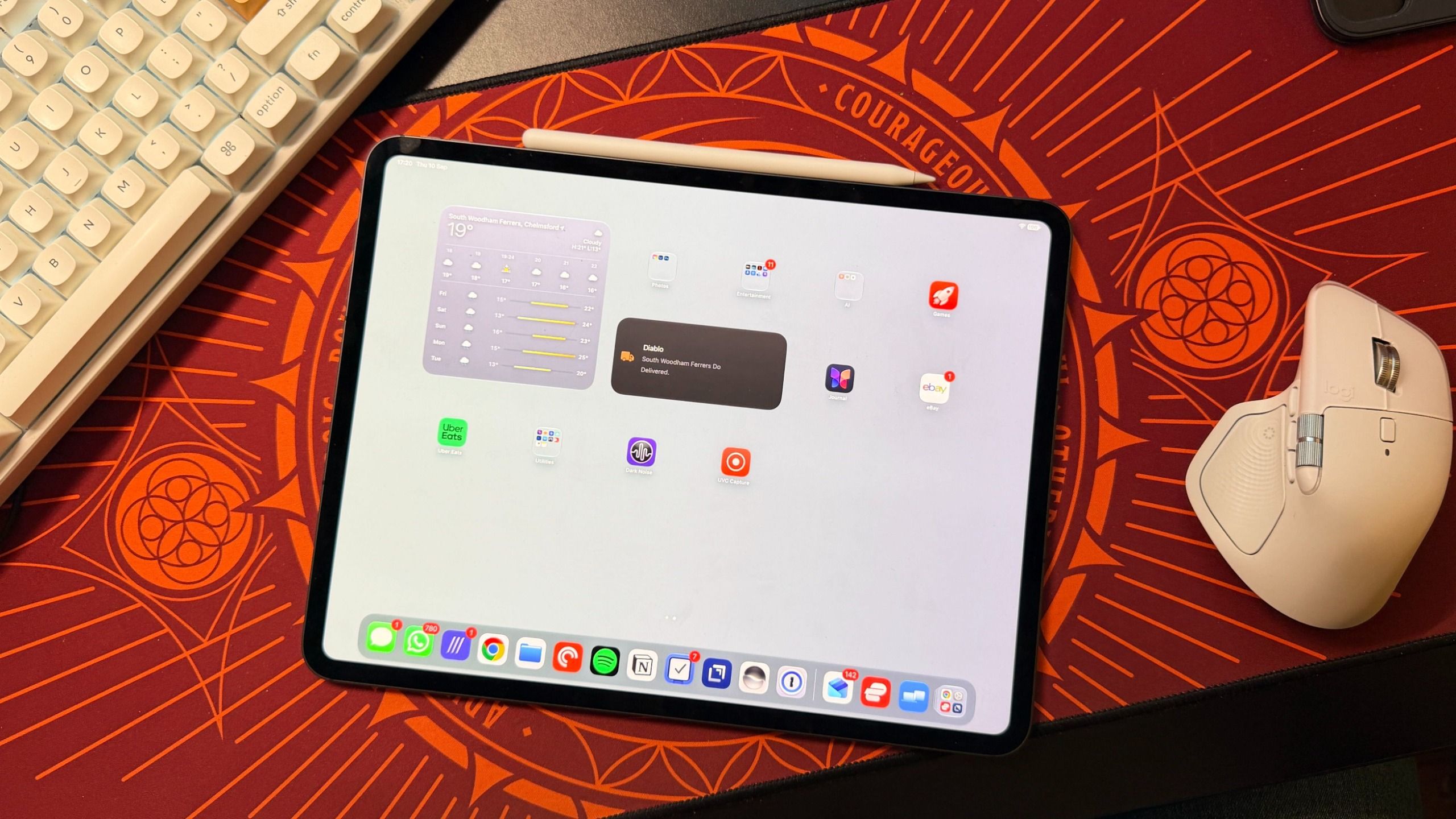
Apple tar iPad ännu närmare Mac med iPadOS 27, som lanseras den 14 september. Uppdateringen gör Menu Bar permanent tillgänglig längst upp på skärmen och ger surfplattan ett mer Mac-likt arbetsflöde.
Apple började tydligare skilja iPad från iPhone när företaget lanserade iPadOS som ett fristående mjukvarupaket 2019. iPadOS 26 fortsatte utvecklingen med Menu Bar, men funktionen var inte alltid synlig. I iPadOS 27 kan användare öppna Settings, välja ‘Multitasking & Gestures’, använda Windowed Apps eller Stage Manager och stänga av ‘Automatically Show and Hide Menu Bar’. Fältet förblir synligt i alla appar utom när iPad körs i helskärmsläge.
Förändringen passar bättre med mus, styrplatta eller Apple Pencil än med fingret. Den fungerar också bra med Magic Keyboard. Menu Bar kan däremot inte anpassas med tredjepartsappar som Bartender.
Användare kan fortfarande dra ned från höger sida för att öppna Control Center, medan vänster sida visar notiser. Om man drar ned från mitten öppnas Siri AI, en ny funktion i iPadOS 27. Förändringen bygger vidare på en iPad-upplevelse som stöds av M-series-chip på MacBook-nivå, bland annat M5 i iPad Pro (2025).
Kommentarer
0Inga kommentarer ännu. Skriv den första.